

Explore the finalized college application format—and upgraded guidance to streamline your success.
Common Application.
The upgraded way.
The Common Application
— The Class of 2026 Guide —
-
— The Common Application —
Preview this guide’s 10 sections below
to continue your application success.
Explore our essential insider insights—
and all the steps to building a successful
Submission-Ready College Application!— The Class of 2026 Guide —


-
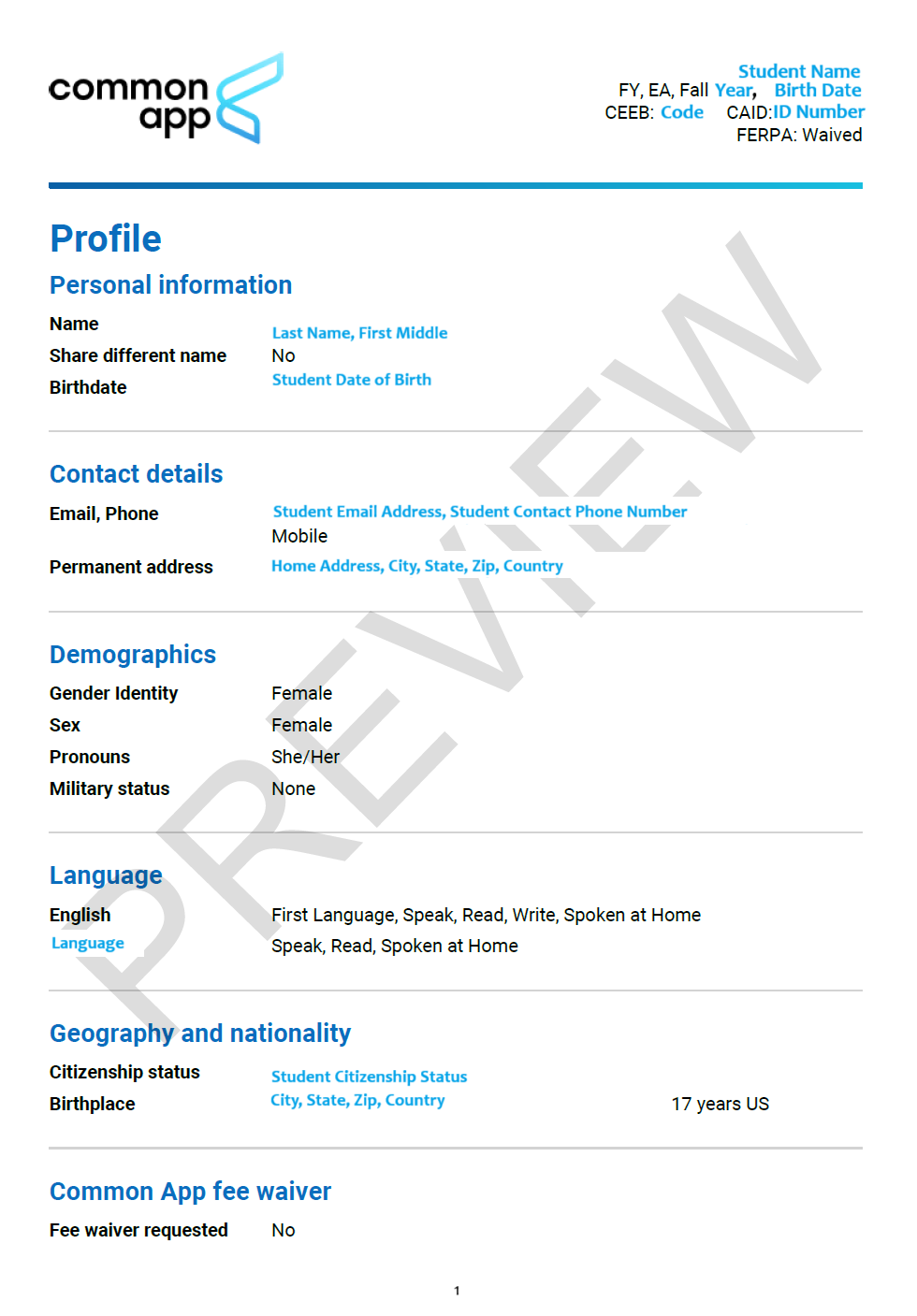
Preview The Common App Profile Section
with the Accepted Alumni Example below!
Explore the redacted PDF, your personal
Common App Account, and the following
Upgraded Class of 2026 Essentials:— Admissions Perspective —
Here, explore the first section a college
admissions officer sees when they review a
student’s submitted college application:
The Common Application Profile Section— Applicant Perspective —
This section appears as a question-based form
with check boxes, drop-downs, and text boxes
to share/edit your responses when signed in to
Your Personal Common Application Account— Upgraded Perspective —
A student edits the Profile Section via their
Common Application Account. This fairly
straightforward section is the first of the
Six Core Common Application Sections

-
Preview The Common App Family Section
with the Accepted Alumni Example below!
Explore the redacted PDF, your personal
Common App Account, and the following
Upgraded Class of 2026 Essentials:— Admissions Perspective —
Here, explore the second section a college
admissions officer sees when they review a
student’s submitted college application:
The Common Application Family Section— Applicant Perspective —
This section appears as a question-based form
with check boxes, drop-downs, and text boxes
to share/edit your responses when signed in to
Your Personal Common Application Account— Upgraded Perspective —
A student edits the Family Section via their
Common Application Account. This slightly
more detailed section is the second of the
Six Core Common Application Sections

-
Preview The Common App Education Section with the Accepted Alumni Example below! Explore The Education Section page 1 of 2 below, your personal Common App Account, and the following Class of 2026 Essentials:
— Admissions Perspective —
Here, explore the third section a college admissions officer sees when they review a student’s submitted college application: The Common Application Education Section
— Applicant Perspective —
This section appears as a question-based form with check boxes, drop-downs, and text boxes. The Education Section is the third of the Six Core Common Application Sections
— Upgraded Perspective —
Ensure that you complete the section in the manner your high school Guidance Department recommends, and ask your Guidance Counselor if you have any questions about this section or how to best share your responses!

-
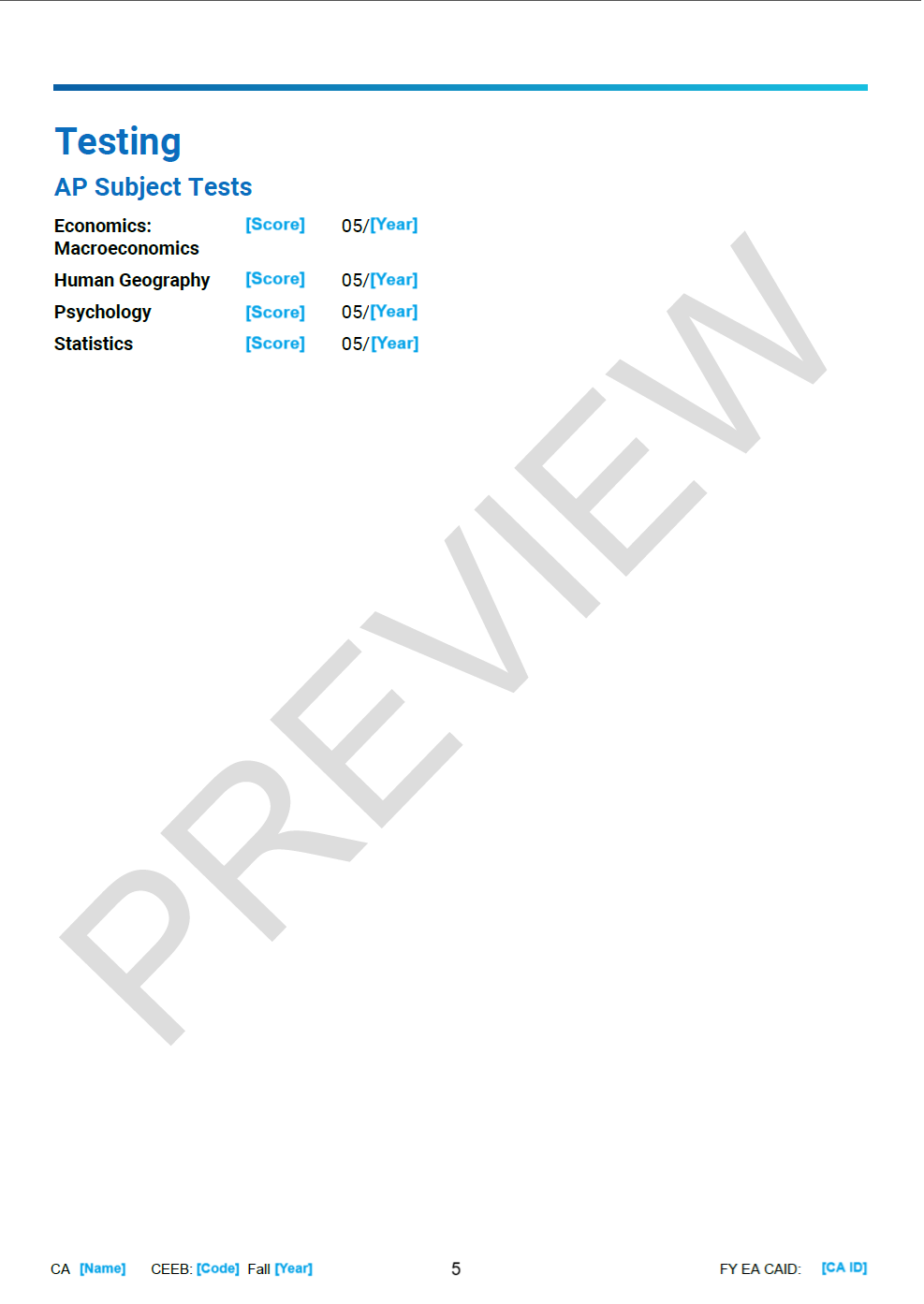
Preview The Common App Testing Section
with the Accepted Alumni Example below!
Explore the redacted PDF, your personal
Common App Account, and the following
Upgraded Class of 2026 Essentials:— Admissions Perspective —
Here, explore the fourth section a college
admissions officer sees when they review a
student’s submitted college application:
The Common Application Testing Section— Applicant Perspective —
This section has check boxes, drop-downs, and
text boxes to share SAT, ACT, and AP Scores.
Aim to ask your Guidance Counselor if you
have any questions about score reporting, and
be sure to check a college’s policies on score
reporting when completing the section.— Upgraded Perspective —
The Testing Section is the fourth of the
Six Core Common Application Sections.
For some colleges, the section and scores may
be redacted from your Final Application PDF.
The section may be left blank for Test-Optional
Colleges if you prefer not to report test scores.
Report your strongest scores when possible!
-
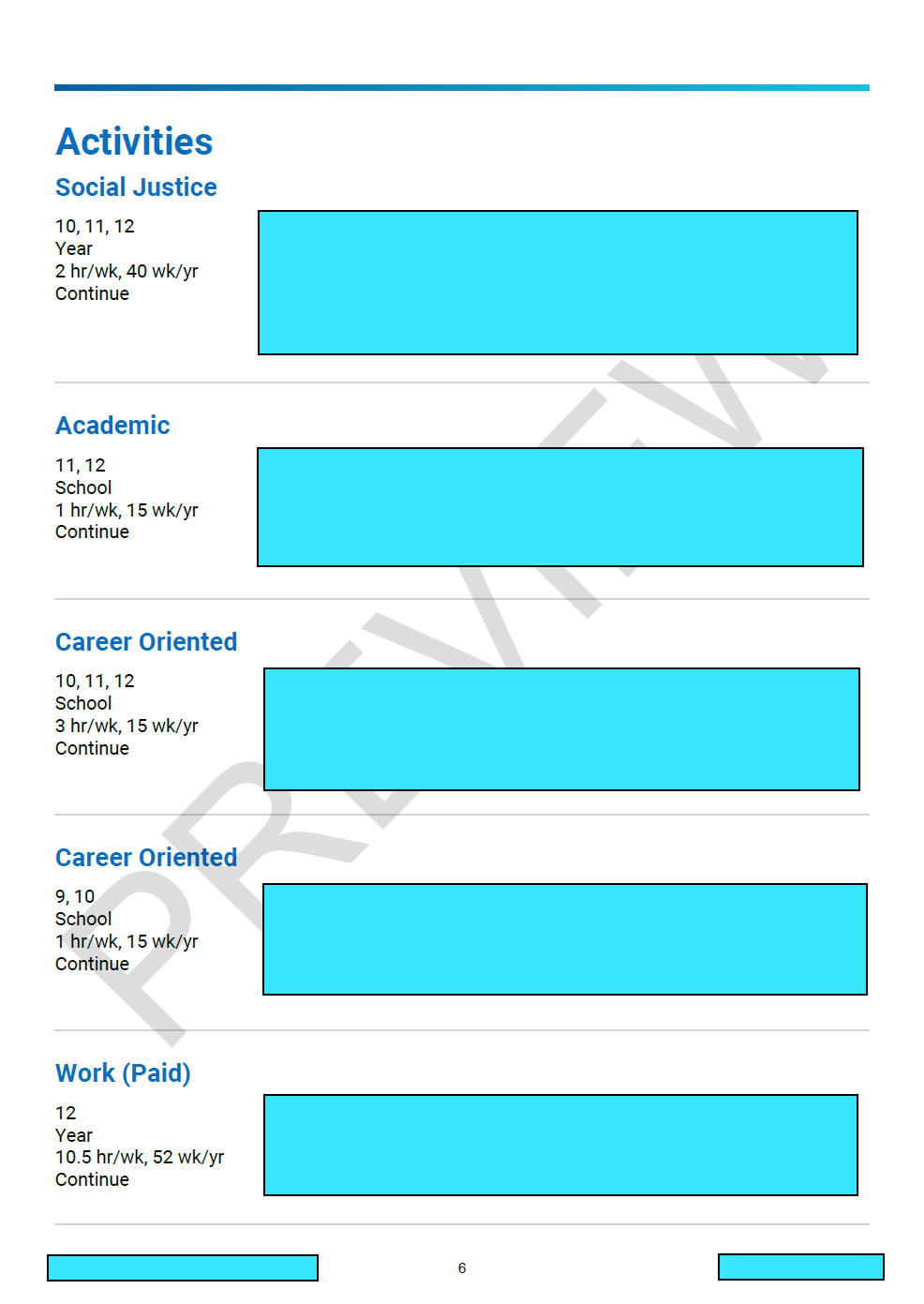
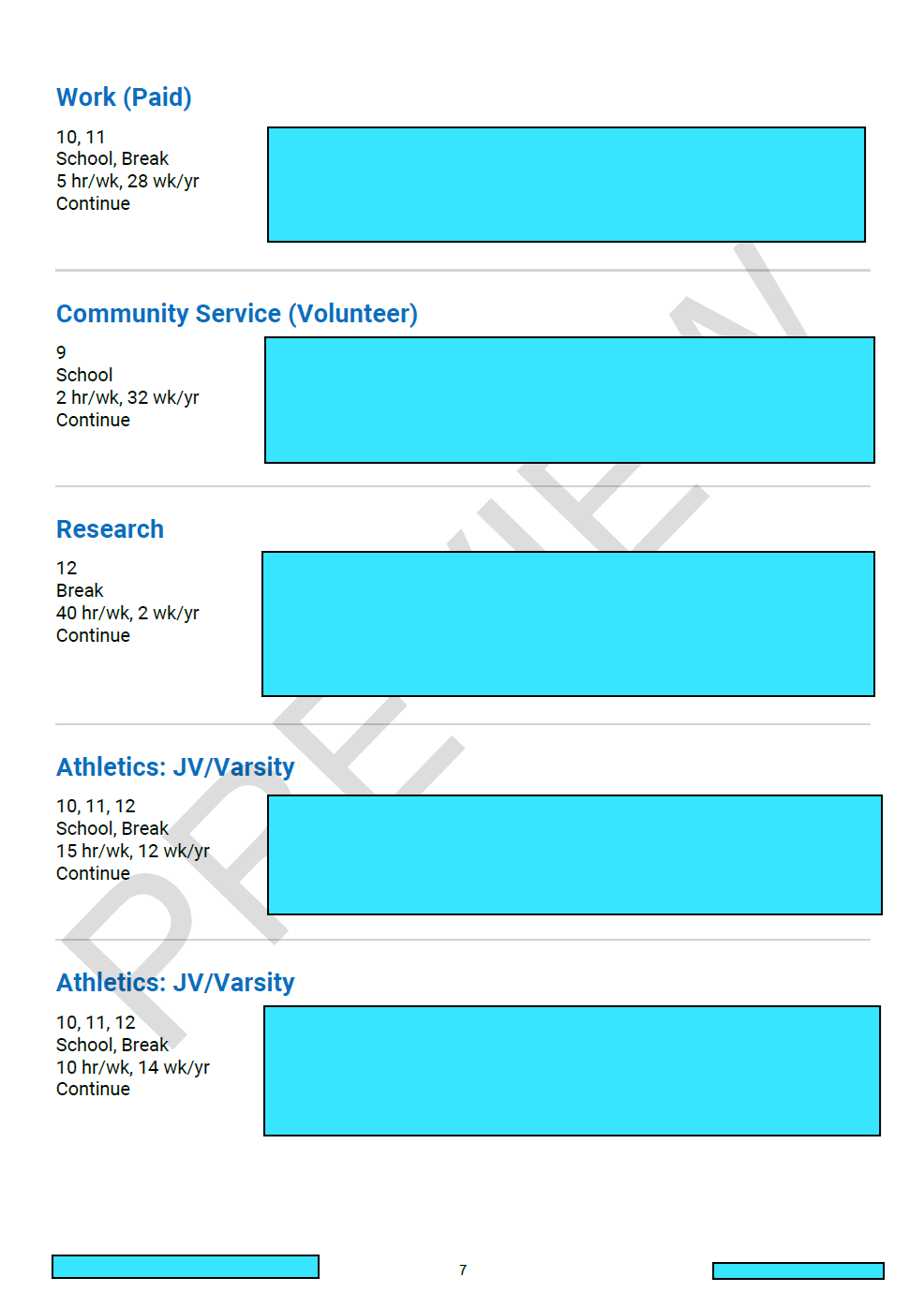
Preview The Common App Activities Section with an Accepted Alumni Example! Explore the redacted Activities Section below, your personal Common App Account, and the following Class of 2026 Essentials:
— Admissions Perspective —
Here, explore the fifth section a college admissions officer sees when they review a student’s submitted college application: The Common Application Activities List
— Applicant Perspective —
This section appears as a question-based form with character-counted text boxes, check boxes, and a drop-downs. The Activities Section is the fifth of the Six Core Common Application Sections
— Upgraded Perspective —
Follow our Upgraded Class of 2026 Guide to The Activities List, and learn how to share your experiences in the best manner possible. Access the guide via the link below, and continue your success story!
-
Preview The Common App Writing Section with an Accepted Alumni Example! Explore The Writing Section Page 1 of 2 below, your personal Common App Account, and the following Class of 2026 Essentials:
— Admissions Perspective —
Here, explore the sixth section a college admissions officer sees when they review a student’s submitted college application: The Common Application Writing Section
— Applicant Perspective —
This section appears as a form with a large word-counted text box for your main college essay, which limits your response to a 650-word maximum, and a menu to select your chosen prompt. The Writing Section is the sixth of the Six Core Common Application Sections
— Upgraded Perspective —
Follow our Upgraded Class of 2026 Guide to The Personal Statement, and learn success-proven ways to showcase your story. Access the guide via the link below, and discover innovative personal statement inspiration!


-
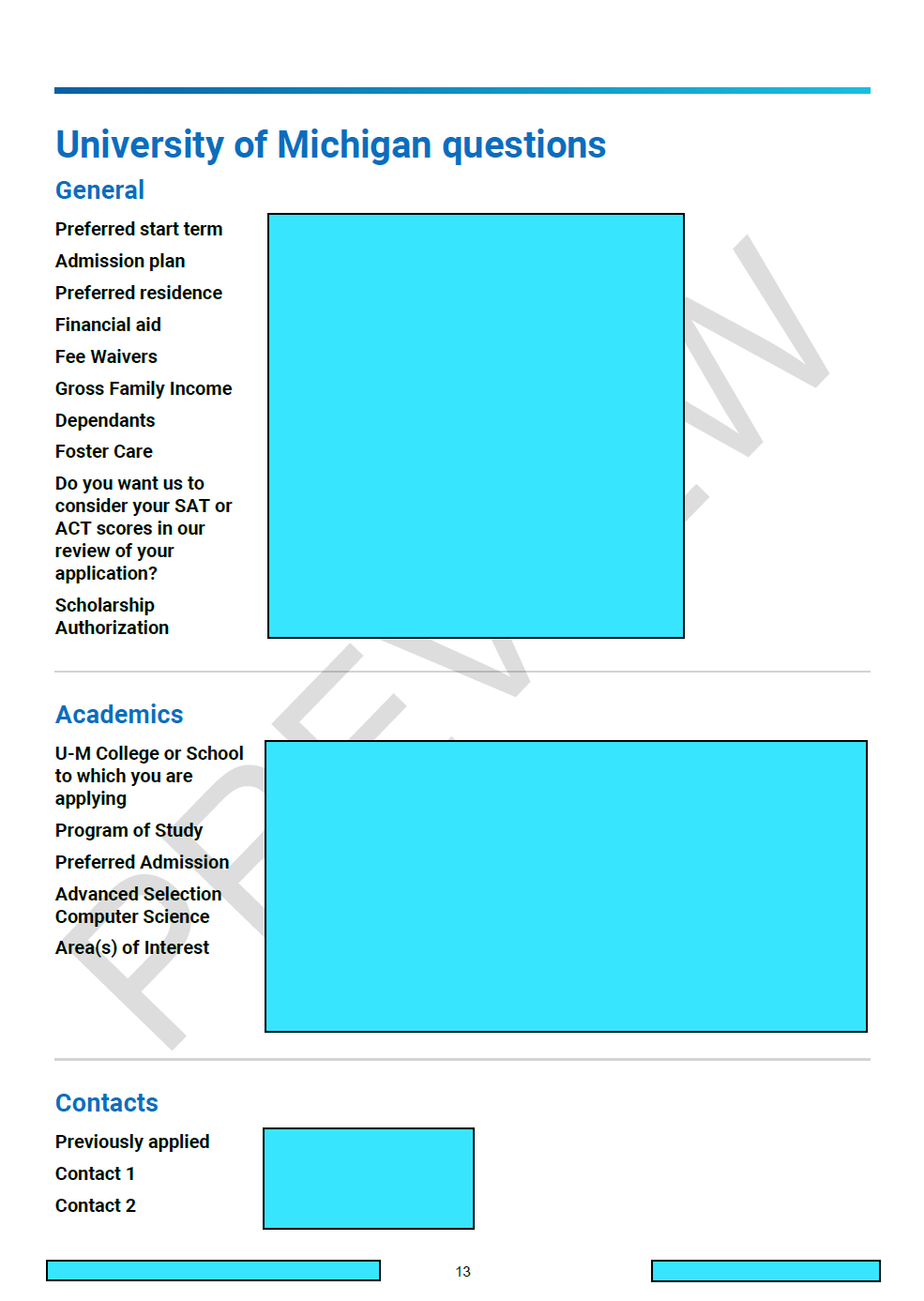
Explore the Supplemental Section displaying
responses to a specific college’s questions—
the First College-Specific Section following the
Six Core Sections of the Common Application

-
Below, see the Supplemental Section following
the College-Specific Supplemental Questions—
sharing the student’s Essay Responses to that
specific college’s Supplemental Essay Prompts


-
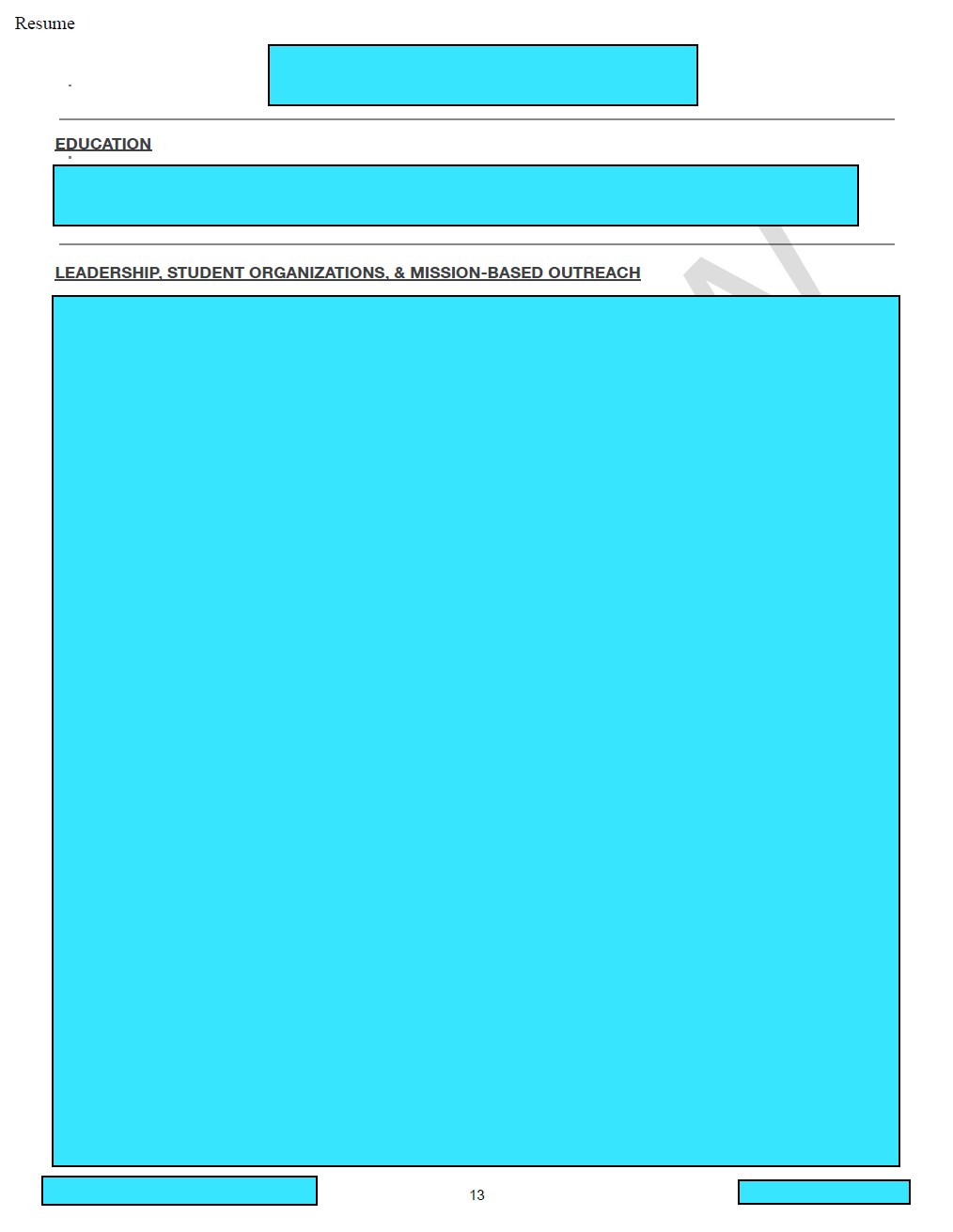
Preview The Common App College Resume with an Accepted Alumni Example! Explore the redacted resume’s first pages below, your personal Common App Account, and the following Class of 2026 Essentials:
— Admissions Perspective —
Here, explore the final section a college admissions officer sees when they review a student’s submitted application for many colleges: The Full College Resume
— Applicant Perspective —
This section appears within the Questions Section under the College Name via the Common Application My Colleges Tab. Within the Questions Section for many colleges, you will find a Resume Upload Button!
— Upgraded Perspective —
Follow our Upgraded Class of 2026 Guide to The College Resume, and learn success-proven strategies to share your experiences. Access the guide via the link below, and discover success-building resume approaches!

-
Learn how to preview and review your own
Submission-Ready College Application:▸ Ensure you have completed and reviewed
The Six Core Common Application Sections:
Profile, Family, Education
Testing, Activities, Writing▸ When signed in to your Common Application
Account, click the navigation tab toward the
top of the screen titled My Colleges▸ Toward the left of the screen, find the name
of the college you are currently focused on,
and click on that College Name▸ Under the College Name, ensure you have
completed all Supplemental Questions and
College-Specific Supplemental Essays▸ Ensure that you have uploaded your College
Resume if there is a Resume Upload Button
within that college’s Questions section▸ There will be a Green Checkmark once you
have completed all material in the Questions
tab, including all questions and essays▸ Confirm you also have a Green Checkmark
next to the label Recommenders & FERPA
below the College Name and its Questions tab▸ Below the College Name, Questions, and
then Recommenders & FERPA, click the tab
Review & Submit to access your PDF Preview▸ Generate your full PDF Preview of your
Submission-Ready Common Application.
Review the PDF and a printed copy if possible!At the link below, see the final product
created by uniting all Application Sections!

-
Below, access our Class of 2026 Essentials for the Common Application Process—with all of the steps to create your own Submission-Ready College Application!
-
![]()
— Submission-Ready Success —
Learn how to preview and review your own Submission-Ready College Application created with The Common Application!
-
![]()
— Getting Started —
These sections are the Six Core Common Application Sections:
Profile, Family, Education, Testing, Activities, Writing -
![]()
— Step 1 —
Start by ensuring that you have completed, reviewed, and finalized what we categorize as The Six Core Common Application Sections
-
![]()
— Step 2 —
When signed in to your Common Application Account, click the navigation tab toward the
top of the screen titled My Colleges -
![]()
— Step 3 —
Toward the left of the screen, find the name of the college you are currently focused on, and click on that College Name
-
![]()
— Step 4 —
Under the College Name, ensure you have completed all Supplemental Questions and College Supplemental Essays
-
![]()
— Step 5 —
Ensure that you have uploaded your College Resume if there is a Resume Upload Button within that college’s Questions section
-
![]()
— Step 6 —
There will be a Green Checkmark once you have completed all material in the Questions tab, including all questions and essays
-
![]()
— Step 7 —
Confirm you also have a Green Checkmark next to the label Recommenders & FERPA below the College Name and its Questions tab
-
![]()
— Step 8 —
Below the College Name, Questions, and then Recommenders & FERPA, click the tab Review & Submit to access your PDF Preview
-
![]()
— Step 9 —
Generate your full PDF Preview of your Submission-Ready Common Application. Review the PDF and a printed copy if possible!
-
![]()
— Step 10 —
Below, see an example of the submission-ready preview created by uniting all sections of The Common Application!
-
![]()
— The Upgraded Way —
We are passionate about guiding students from start to submission—because success stories take more than just one essay.


